Web Portal Development Services
For Modern Businesses
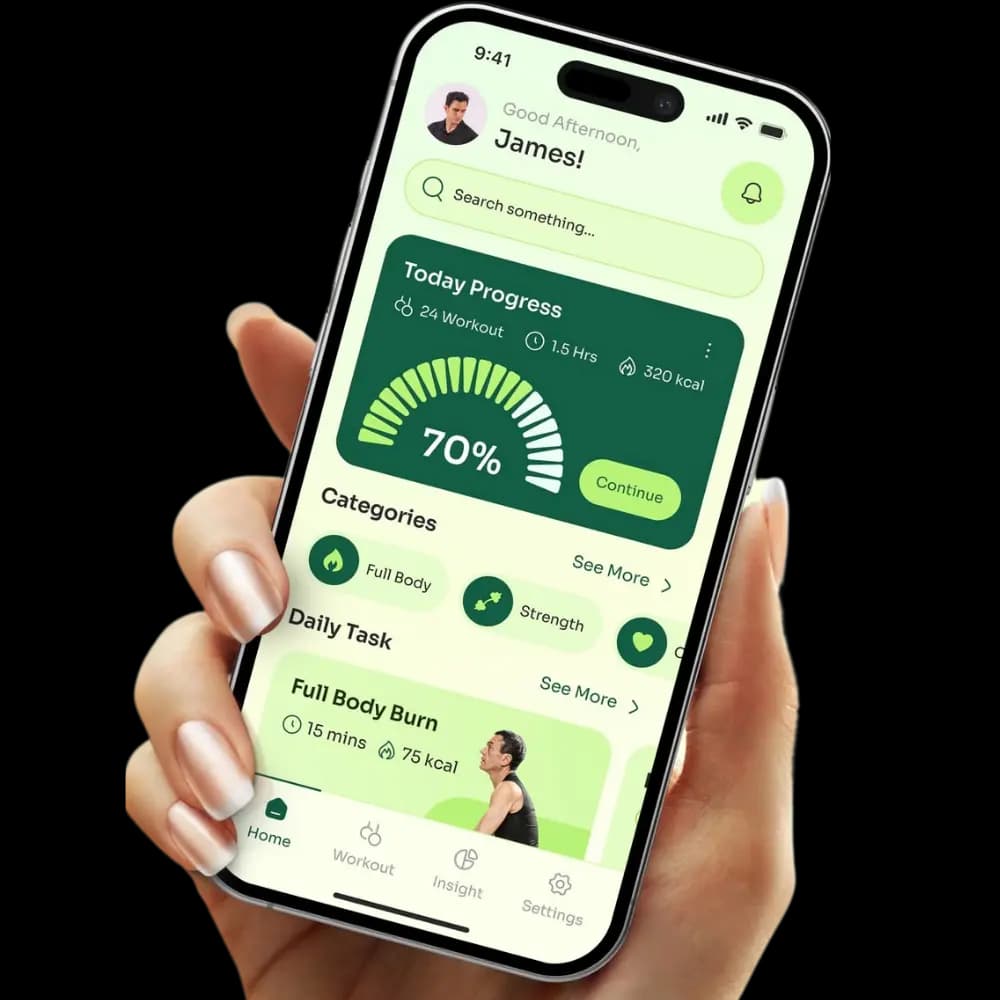
Providing web portal development services that help businesses create secure, role-based digital platforms for customers, employees, vendors, partners, and internal teams. Portals that give users the right access to data, workflows, documents, and tools while connecting your business with the systems and integrations it already depends on.
Recognized and Trusted by Industry Platforms


What Our Web Portal
Development Services Include?
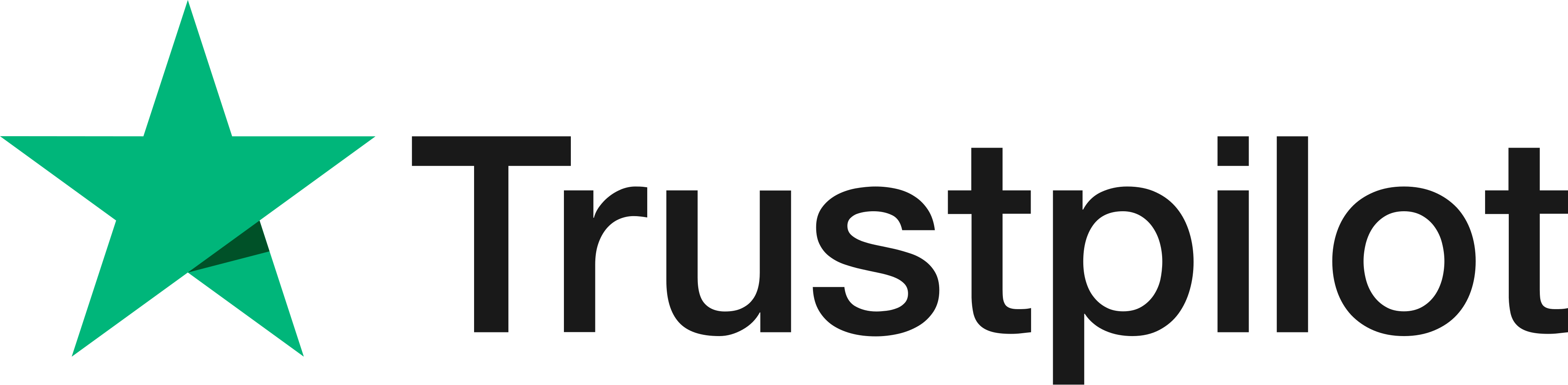
Our web portal development services cover planning, UX/UI design, frontend and backend development, authentication, dashboards, integrations, testing, deployment, and support. At Nexal IT Services, we focus on building a secure digital space where users can access data, complete tasks, manage requests, and communicate based on their role.
Portal Strategy Planning
Portal strategy planning defines users, goals, access levels, features, workflows, content, systems, and business needs before development starts. Strong planning helps avoid unclear scope, poor user flow, weak security, missing features, and costly rebuilds later.
UX And Interface Design
UX and interface design shapes portal layouts, user journeys, navigation, dashboards, forms, accessibility, mobile views, and overall clarity. Portal users need simple paths to find information, complete tasks, update details, and manage their accounts without confusion.
Frontend Backend Development
Frontend development handles the visible portal experience, while backend development manages logic, data, permissions, APIs, notifications, and security. Both sides must work together so the portal feels fast, reliable, and easy to use across different user roles.
Testing Launch Support
Testing and launch support covers functional testing, security checks, browser testing, mobile testing, load testing, form testing, API checks, deployment, training, and final review. This helps protect the portal from errors before real users start using it.
Why Businesses Need
Custom Web Portals
Businesses need custom web portals when a standard website cannot manage logins, user roles, private data, documents, workflows, transactions, support requests, or system integrations. A well-built portal centralizes access, reduces manual work, and helps different departments manage information in one secure place.
Centralized User Access
A custom portal gives users one secure place to view account details, documents, updates, tickets, orders, reports, or internal resources. This reduces scattered communication across emails, spreadsheets, and chat tools while making important information easier to find and manage.
Better Process Control
Web portals help manage approvals, requests, onboarding, support, payments, claims, orders, documents, and task tracking through clear steps. This reduces repeated admin work, improves visibility for teams, and helps users complete tasks without needing constant manual follow-up.
Secure Data Handling
Secure data handling is one of the main reasons businesses use portals. Authentication, role-based access, encrypted data, audit logs, secure document sharing, and compliance support help protect private business or customer information while giving users the access they need.
Types Of Web Portals
We Design & Develop
Different web portals serve different users and business goals. Customers need self-service access, employees need internal tools, vendors need order and document access, and partners need shared business resources. At Nexal IT Services, we build portals around how each user group works, shares data, and completes tasks.
Key Features Of
A Web Portal
Web portal features should match the users, business model, data needs, and daily workflows. Most portals include secure login, role-based dashboards, profiles, search, document sharing, communication tools, notifications, reporting, and admin controls so users can access information and complete tasks in one place.
How Much Does Web Portal
Development Cost?
Web portal development usually costs $8,000 to $60,000+, based on the portal’s size, features, user roles, design, and integrations. A basic client portal with login, profiles, document access, and admin controls may stay near the lower range. A custom portal with dashboards, payments, reporting, CRM integration, automation, APIs, advanced security, and role-based access will cost more because it needs more planning, development, testing, and database work.
Web Portal Integrations
For Business Systems
Web portals become more useful when they connect with the systems your business already uses. CRM, ERP, CMS, payment gateways, accounting tools, HR systems, support platforms, analytics tools, cloud storage, and third-party APIs can help users access updated data and complete work from one place.
Custom Portal Vs
Platform Based Portal
Custom portal development and platform-based portal development both have their place. Platform-based portals can be faster to launch with lower upfront cost, while custom portals offer more flexibility and better scalability for business-specific needs. The right choice depends on how complex your users, workflows, data, and integrations are.
Platform Based Portal
A platform-based portal uses existing systems, CMS tools, or ready-made frameworks to reduce build time and upfront cost. This can work well for simple use cases, basic user access, and standard content flows, but it may limit custom workflows, scaling, advanced permissions, and feature control.
Custom Built Portal
A custom-built portal is developed around the company’s exact workflows, users, systems, data rules, and access needs. This option is better for complex operations, special permissions, deep integrations, custom dashboards, long-term digital products, and portal features that need full control.
Best Fit Decision
The best option depends on budget, timeline, feature depth, compliance needs, integrations, scalability, and ownership. A web portal development agency should help compare both choices before development, so your business does not overbuild too early or outgrow the portal too quickly.
Web Portal Development Process From Start
A clear web portal development process moves from discovery to launch and long-term support. It includes business analysis, requirements, architecture, UX/UI design, development, integrations, testing, deployment, training, monitoring, and continuous improvement after release so the portal stays useful as business needs change.
01.
Discovery And Requirements
Discovery and requirements cover user roles, business goals, data sources, portal features, permissions, compliance needs, integrations, reporting, and success metrics. This stage defines what the portal must do, who will use it, what data it needs, and why each feature matters.
02.
Architecture And Design
Architecture and design connect the portal’s technical structure with a clear user experience. This stage covers database planning, navigation, wireframes, UI design, workflows, dashboards, and user journeys so the system is easy to use and strong enough for future growth.
03.
Development And Integration
Development and integration turn the portal plan into a working system. This includes frontend, backend, database, admin panel, APIs, third-party tools, user permissions, document handling, and business logic that support real workflows across different user roles.
04.
QA Testing And Launch
QA testing and launch cover usability testing, security testing, performance testing, data checks, API testing, browser testing, user acceptance testing, deployment, and launch support. A controlled launch helps test the portal with real users before wider use.
05.
Support And Improvement
Support and improvement continue after launch through monitoring, bug fixes, user feedback, feature updates, security patches, performance checks, documentation, and training. A portal should improve over time as users, workflows, data needs, and business goals change.
Why Choose Nexal IT Services
As Web Portal Development Company?
Nexal IT Services is a strong fit for businesses that need secure, practical, and growth-ready web portals. We focus on planning, UX, custom development, integrations, testing, security, clear communication, and long-term support, so your portal is built around real workflows, user needs, and business goals.
Business First Planning
Our team starts with business needs, user roles, workflows, and outcomes before design or coding begins. This helps build a portal that solves real process problems, supports daily operations, and avoids becoming another system that teams do not use properly.
Secure Scalable Builds
Secure and scalable builds include login protection, permission control, clean code, scalable architecture, API structure, database planning, and performance checks. Your portal should work well for current users while staying ready for more users, features, and data later.
Integration Led Approach
Our integration-led approach connects portals with CRM, ERP, payment tools, HR platforms, support systems, analytics, and other business software. Better integrations reduce manual work, limit data gaps, and help teams work from updated information across systems.
Long Term Support
Long-term support includes bug fixes, improvements, monitoring, performance checks, feature updates, security patches, and user feedback reviews. A portal should keep improving after launch, especially as user needs, workflows, integrations, and business goals change.
Ready To Build Your
Web Portal?
Ready to build your web portal with Nexal IT Services? Share your portal idea, user roles, workflows, and current systems with our team, and we’ll help you plan the right path forward. Whether you need a customer portal, employee portal, vendor portal, B2B portal, or custom business portal, we can help you build a secure, practical, and easy-to-manage solution for your business.